
June 2026 - Archiving events and over net alerts navigation
This release includes a few smaller improvements that make it easier to manage events and investigate over net alerts.
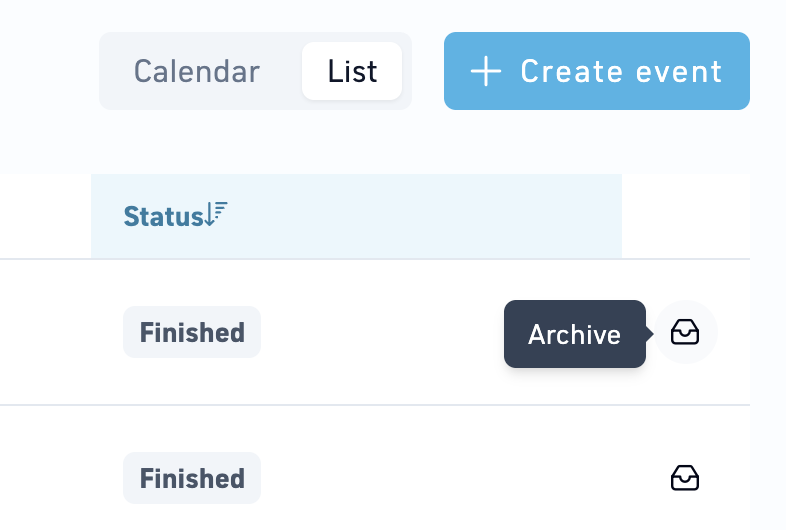
Archive finished events
Finished events can now be archived to help keep the Events list focused on active and relevant events.
To archive an event:
- Open the Events page.
- Switch to List view.
- Find an event with the status Finished.
- Click the Archive icon next to the event.
Once archived, the event is not visible anymore from the default list view.
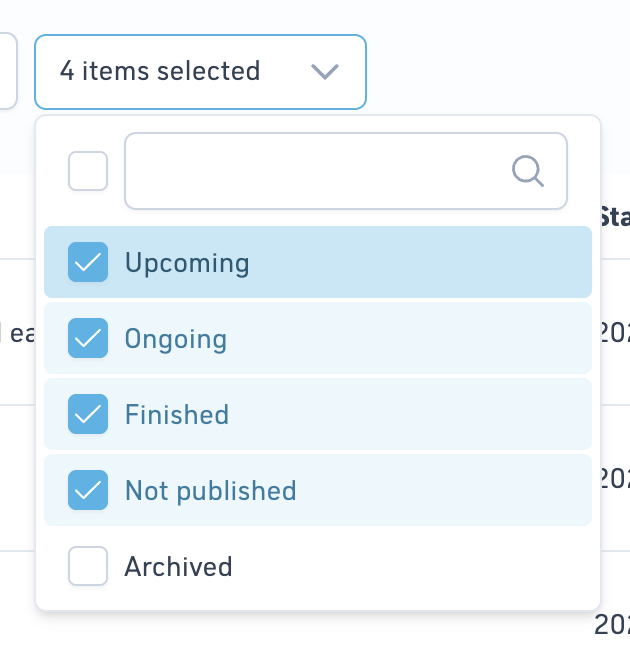
View archived events
To view archived events:
- Open the Status filter in the upper-left corner of the Events page.
- Select Archived.
Archived events remain available and can be accessed through the filter whenever needed.
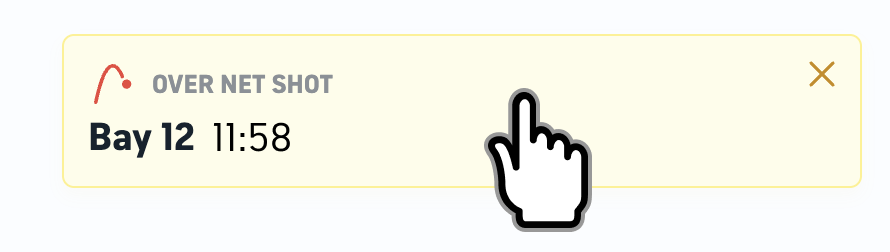
Navigate directly from over net alerts
Clicking a yellow over net alert now takes you directly to the Over Net page.
This makes it faster to review and investigate over net activity without having to manually navigate to the page.
What to expect
There may occasionally be a short delay before the corresponding shot appears in the Over Net list after opening the page. Additional information has been added to the page to help explain this behavior.