
October 2026 - Add photos and videos to support requests
Getting help from Toptracer Support is now easier. You can now attach photos and videos directly when submitting a support request in TRMS, giving our Support team a clearer picture of the issue from the start.
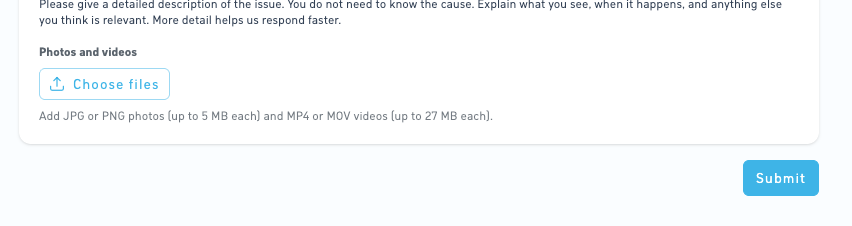
Show us what's happening
A picture is worth a thousand words, especially when troubleshooting technical issues.
Whether it's an error message, unexpected screen behavior, or a hardware issue, attaching a photo or video can help our Support team understand what's happening without needing additional explanations.
We strongly encourage you to include photos or videos whenever possible. The more information our Support team has from the beginning, the easier it is to investigate the issue and help you find a solution faster.
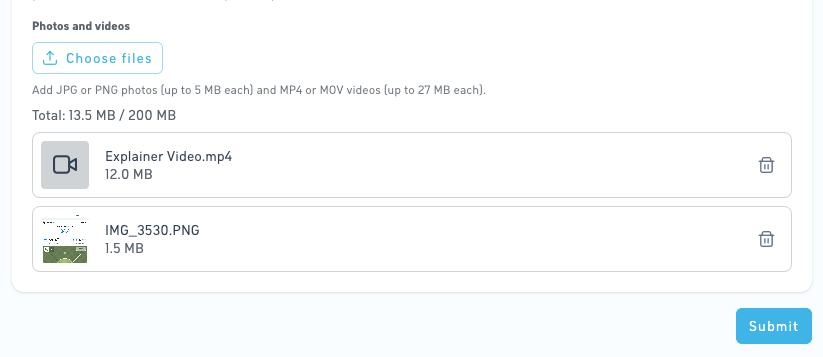
Supported files and size limits
You can attach the following files when submitting a support request:
- Photos: JPG or PNG, up to 5 MB per file
- Videos: MP4 or MOV, up to 27 MB per file
- Total attachment limit: 200 MB per support request
Need to share more?
If your attachments exceed these limits, you can still provide additional information after submitting your request.
Simply reply to the email thread created for your support ticket and attach any additional photos, videos, or information. This keeps everything connected to the same ticket ID.
Give it a try next time you contact Support
Next time you encounter an issue, take a quick photo or record a short video and include it in your support request. Even a simple screenshot can make a big difference.
For more information, see Contact support.