
How a Toptracer Range setup works
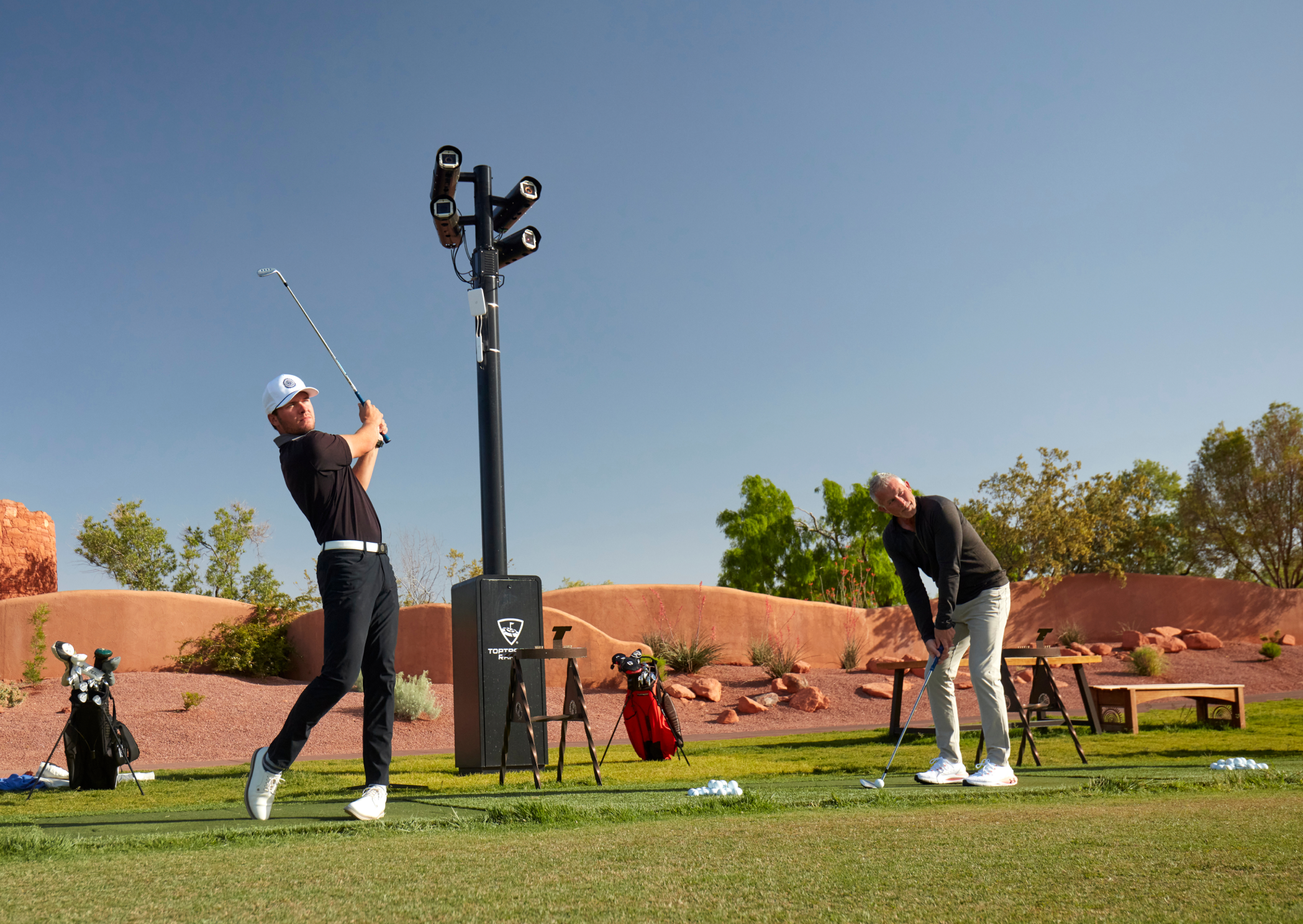
Toptracer Range uses cameras to trace golf balls in flight, turning each shot into useful information that players can see and explore.
The system is designed to work across different range sizes and layouts, with cameras working together in pairs to trace shots from groups of hitting bays.
How the cameras work
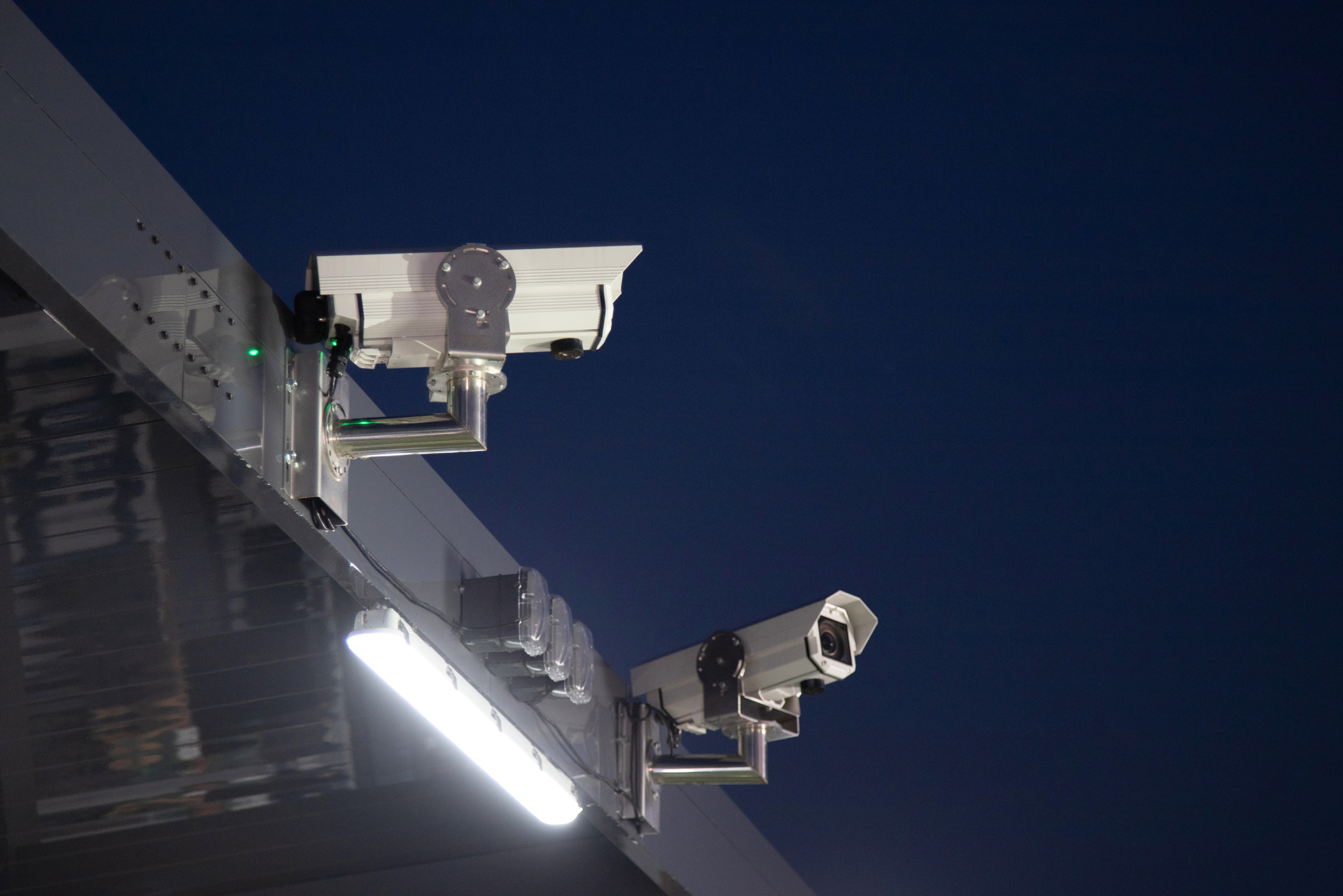
Toptracer cameras are mounted above or behind the hitting area, facing out across the driving range.
The cameras work in pairs, much like a pair of eyes, to trace the golf balls as they travel through the air.
Each camera pair covers a group of hitting bays rather than just one. This means several bays can share the same camera system.
The targets out on the range are more than decoration. Their positions are measured during installation to create a precise map of the range's layout, and the cameras use them as reference points for calibration.
Moving or removing a target may affect how well shots are traced, so contact Toptracer Support before making any changes.
Why cameras?
Toptracer Range uses optical tracing, which means the cameras visually follow the ball through its flight. This creates a trace that reflects what actually happened during the shot.
There are a few practical benefits to this approach:
- Play with any golf ball. No special balls are needed for tracing.
- Keep the hitting bays clear. With cameras mounted overhead, there's no tracing equipment at the bay to set up, move, or get in the way.
- Cover the whole range. Each camera pair traces shots from multiple bays, making it easy to scale the setup to suit the range.
From ball flight to shot data
When a player hits a golf ball, the cameras follow its flight and capture images that are processed by Toptracer's servers.
The servers turn this information into shot data, which players can use to better understand their shots, practice, and enjoy different games.
Depending on the range setup, players can experience Toptracer in different ways:
- Toptracer Range - Monitor: Screens installed at the hitting bays display shot data and provide access to different games and practice modes. Learn more about game modes on Toptracer Range - Monitor.
- Toptracer GO: Players can view their shots and practice directly on their own phones using the Toptracer Range app. This option supports both fixed hitting bays and grass tees. Learn more about Toptracer GO.
Looking for a golf simulator experience?
If you're interested in a dedicated golf simulator solution, explore Toptracer Indoor, designed specifically for simulator play.