
August 2026 - Duplicating events and TRMS improvements
We've introduced improvements to event creation, onboarding new TRMS staff, and reviewing shots on the Over Net page.
Duplicate an existing event
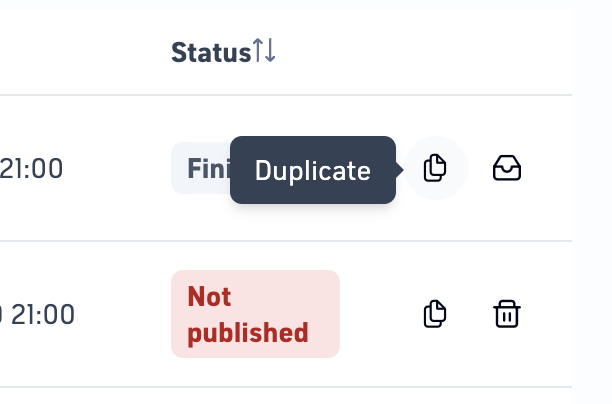
Creating a similar event is now quicker.
On the Events page, a new duplicate button is available to the right of each event. Selecting it opens the Create event page with the fields populated using the settings from the selected event.
Operators can then adjust the event details as needed before creating the new event.
For more information about working with events, see Managing events in TRMS and Creating events in TRMS.
Welcome emails for new TRMS staff
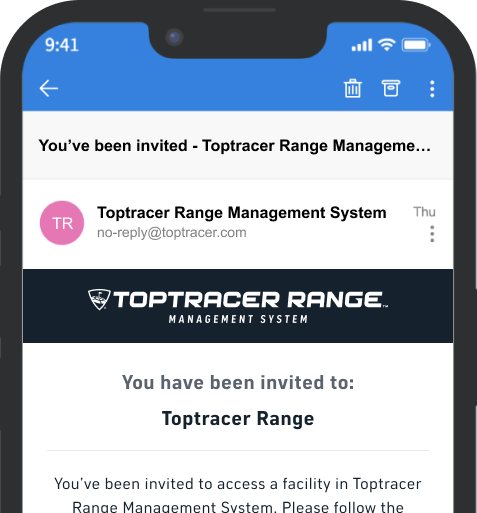
When a new staff member is added to TRMS, a welcome email is now sent to the email address entered during setup.
The email contains instructions for accessing TRMS and does not require the invitation to be accepted through the email. The staff member can simply follow the instructions and sign in to TRMS using the same email address that was invited. Once signed in, they should have access to the range.
For more information, see Adding users in TRMS.
Pagination for large Over Net shot lists
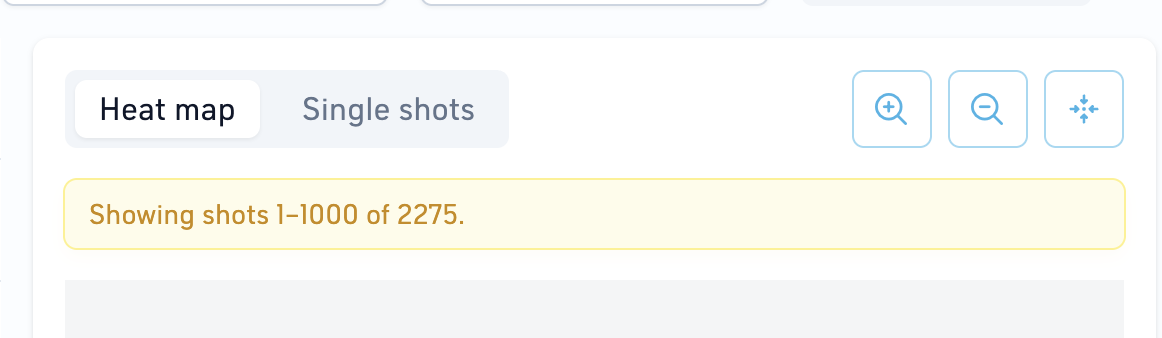
The Over Net page now uses pagination when the selected date range contains more than 1,000 shots.
Up to 1,000 shots are displayed on the map at a time. Operators can use the pagination controls at the bottom of the shot list to view additional shots.
This makes it easier to review date ranges with a large number of Over Net shots.
What else we shipped
- Screen Power: When adding a new screen, an A/B screen configuration may temporarily appear as two screens in Screen Power. This period has been reduced from up to seven days to up to three days.
- Sponsor images: Fixed issues that could occur when editing sponsor images.